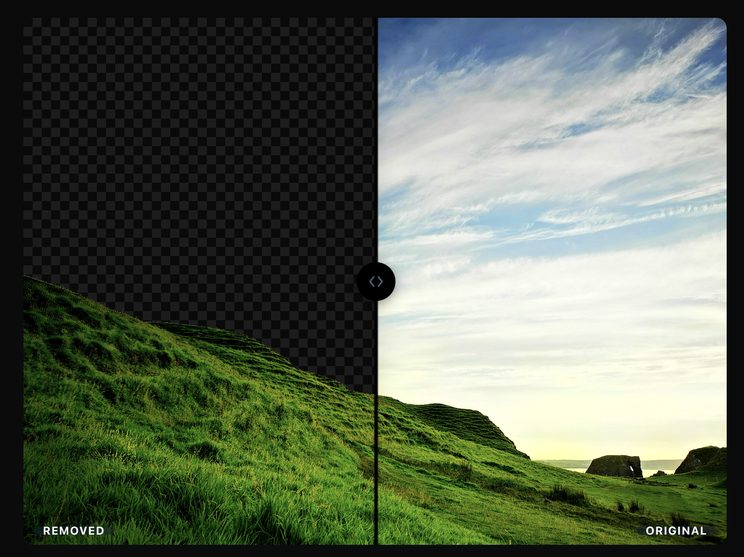
Remove image backgrounds automatically
Edit with Magic Brush, change or blur backgrounds — completely free.
Your images stay private and secure because they’re never uploaded anywhere.
Features
- Automatic background removal — powered by an on-device segmentation model.
- Magic Brush — erase or restore specific areas by hand, with edge-aware strokes.
- Background replacement — solid colors or your own uploaded photo.
- Background blur — a portrait-style blurred backdrop instead of a full swap.
- Transparent PNG export — download with a real alpha channel, no watermark.
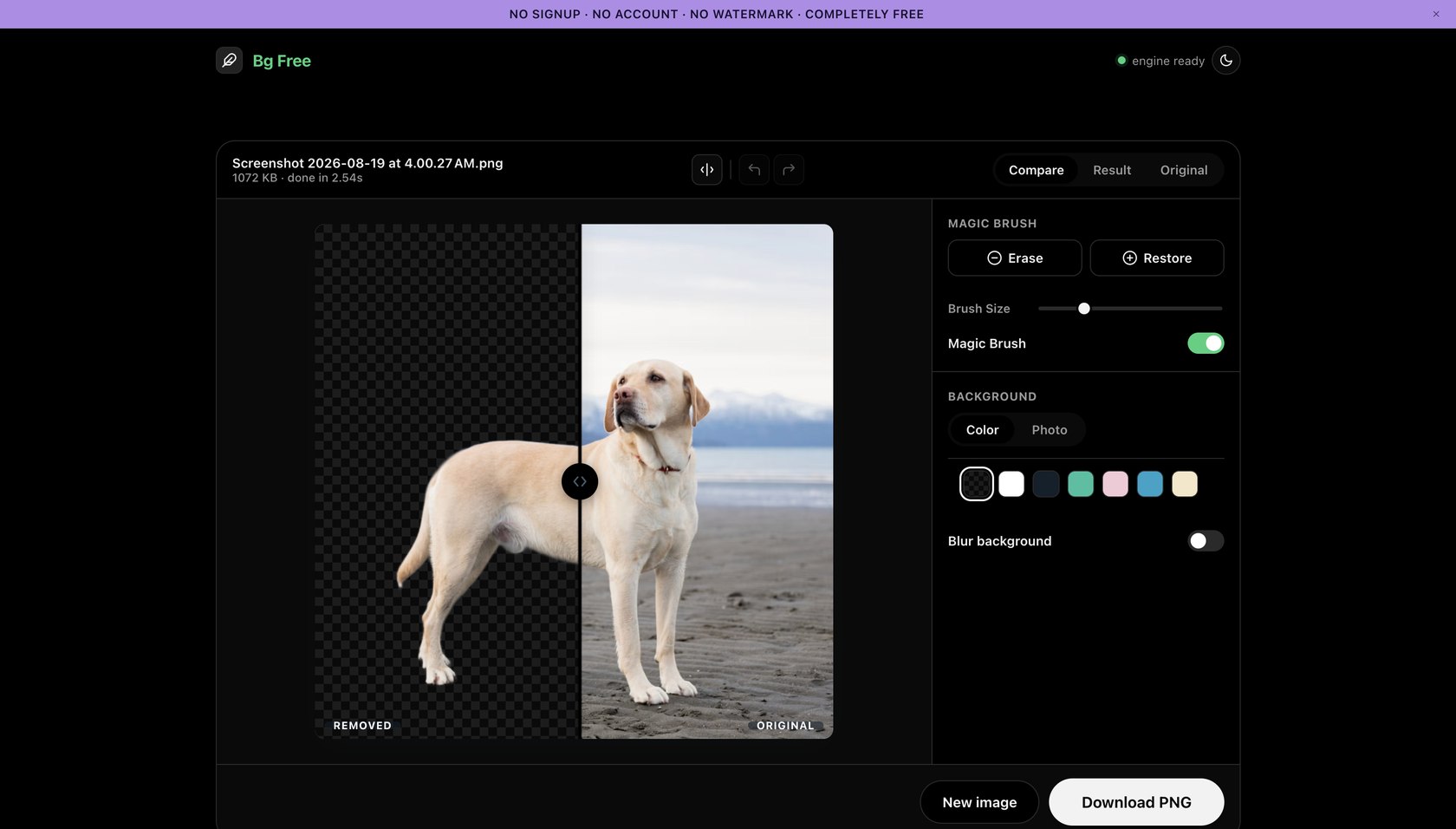
Bg Free automatically removes the background from a photo — people, products, or objects — right in your browser. Upload a JPG, PNG, or WEBP file and get back a transparent PNG in a few seconds to a couple of minutes, depending on your device. There's no signup, no watermark, and no limit on how many images you process, because there's no server-side cost to recover: the image processing runs entirely on your own device.
Frequently asked questions
How does Bg Free work?
Upload a photo, or drop one onto the page. Bg Free removes the background locally in your browser, then you can use the Magic Brush to erase or restore any edge by hand, swap in a solid color, your own background photo, or blur the backdrop, and download the result as a transparent PNG.
How does Bg Free handle privacy and local processing?
The photo you upload is processed entirely on your device using a machine learning model that runs in your browser via WebAssembly. It is not transmitted to a server, and Bg Free has no backend that could receive it. The only network request involved in processing an image is a one-time download of the model's own weight files (not your photo) from a content delivery network, the first time you use the tool — after that, your browser caches them. For the full picture, including how analytics and cookies are handled, see the Privacy Policy.
Is Bg Free really free?
Yes — completely free, with no usage limits, no watermark, and no upgrade prompts. There's no paid tier because there's no server cost to cover: the background-removal model runs on your own device.
Do I need to create an account?
No. There's no signup, no login, and no email required. Open the page and start removing backgrounds immediately.
Are my photos uploaded to a server?
No. Every image you process stays on your device — the AI model downloads once to your browser and does all the work locally. Nothing is ever sent anywhere, which is also why the very first run takes longer (it's downloading the model, not your image).
What image formats are supported?
JPG, PNG, and WEBP, up to 25 MB. Results download as transparent PNGs.
Can I use the results commercially?
Yes. There's no watermark and no license restriction from Bg Free on the output image — just make sure you have rights to the original photo itself.
What if the background isn't removed perfectly?
Use the Magic Brush to erase or restore any area by hand — it's edge-aware, so a rough stroke still snaps to the real outline instead of cutting a hard circle through your subject.
Does it work on mobile?
Yes, in any modern mobile browser. Processing speed depends on your device's hardware, so it may take longer than on a desktop.
How is this different from remove.bg or other background removal tools?
The main difference is where the work happens. Tools like remove.bg process your photo on their servers, which usually means an account, a usage limit, or a paid tier to unlock full resolution. Bg Free runs the entire background-removal model in your own browser, so your photo never leaves your device, there's no signup, and there's no limit on how many images you process. The tradeoff is that an on-device model is smaller than a heavy server-side one, so it can occasionally struggle on very difficult images where a server-based tool might do better.